


SPECIFICATIONS
4KB Random Read: 100200
4KB Random Write: 14500
Application: Desktop
Brand Name: KingSpec
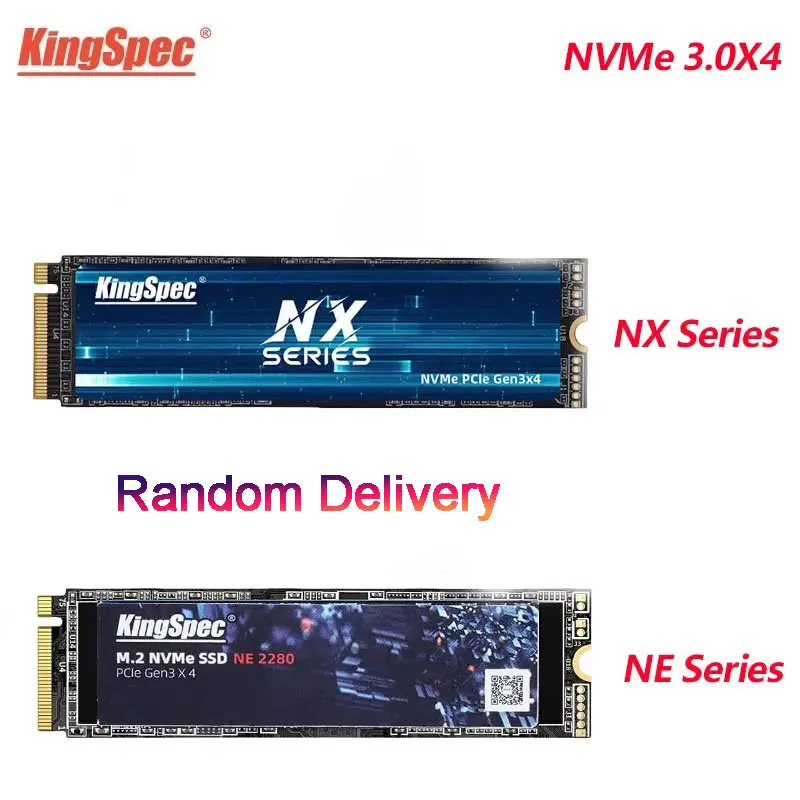
Bus Type: PCIe 3.0×4
Certification: CE,FCC,RoHS,pse
Choice: yes
Controller: SM2263XT/RT5765DL/MAP1002
Cooling Fin: Yes
Hign-concerned Chemical: None
Interface Type: PCI Express
MTBF: 1 million hours
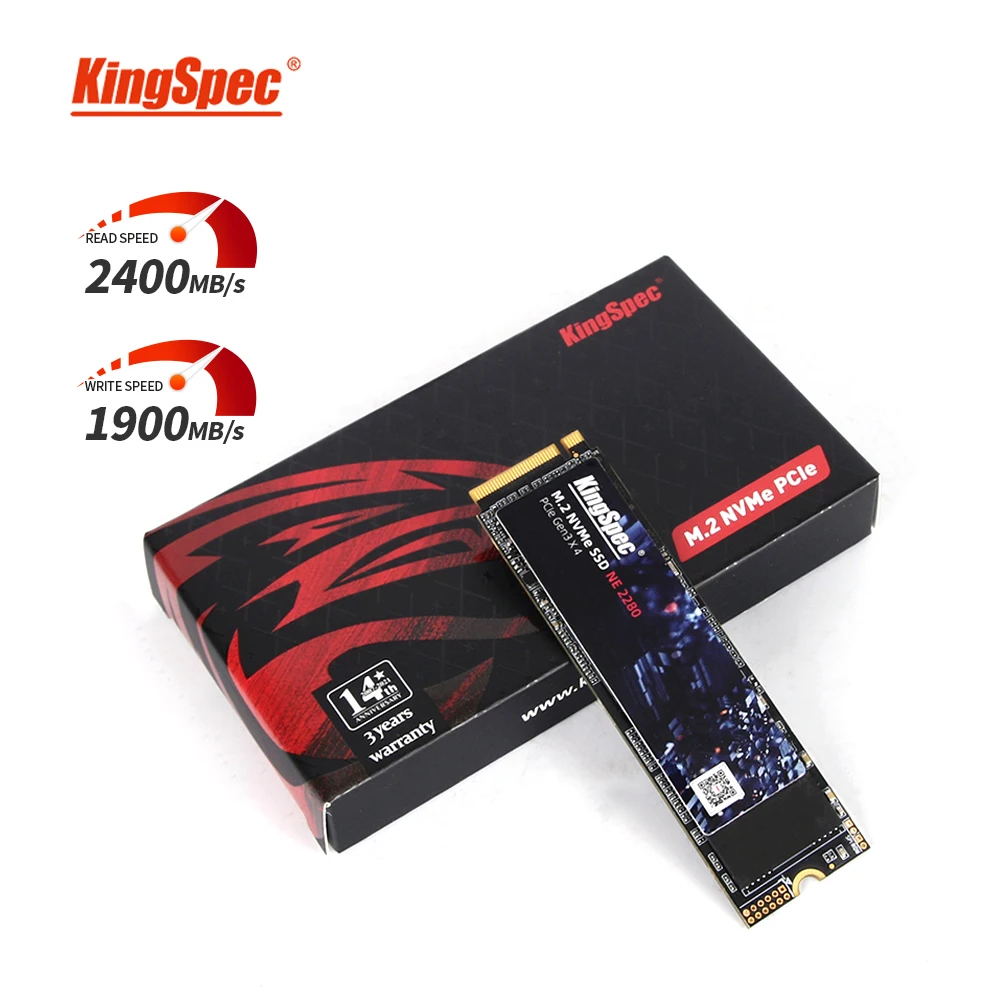
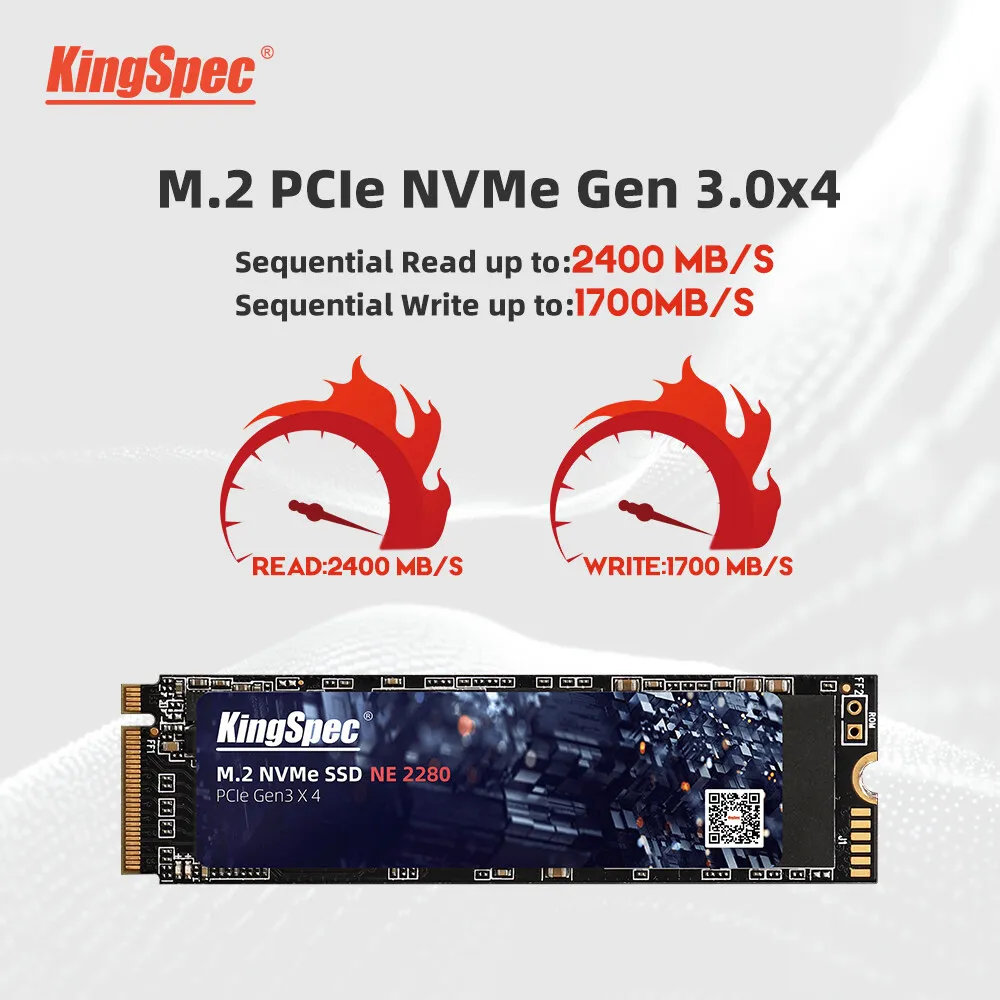
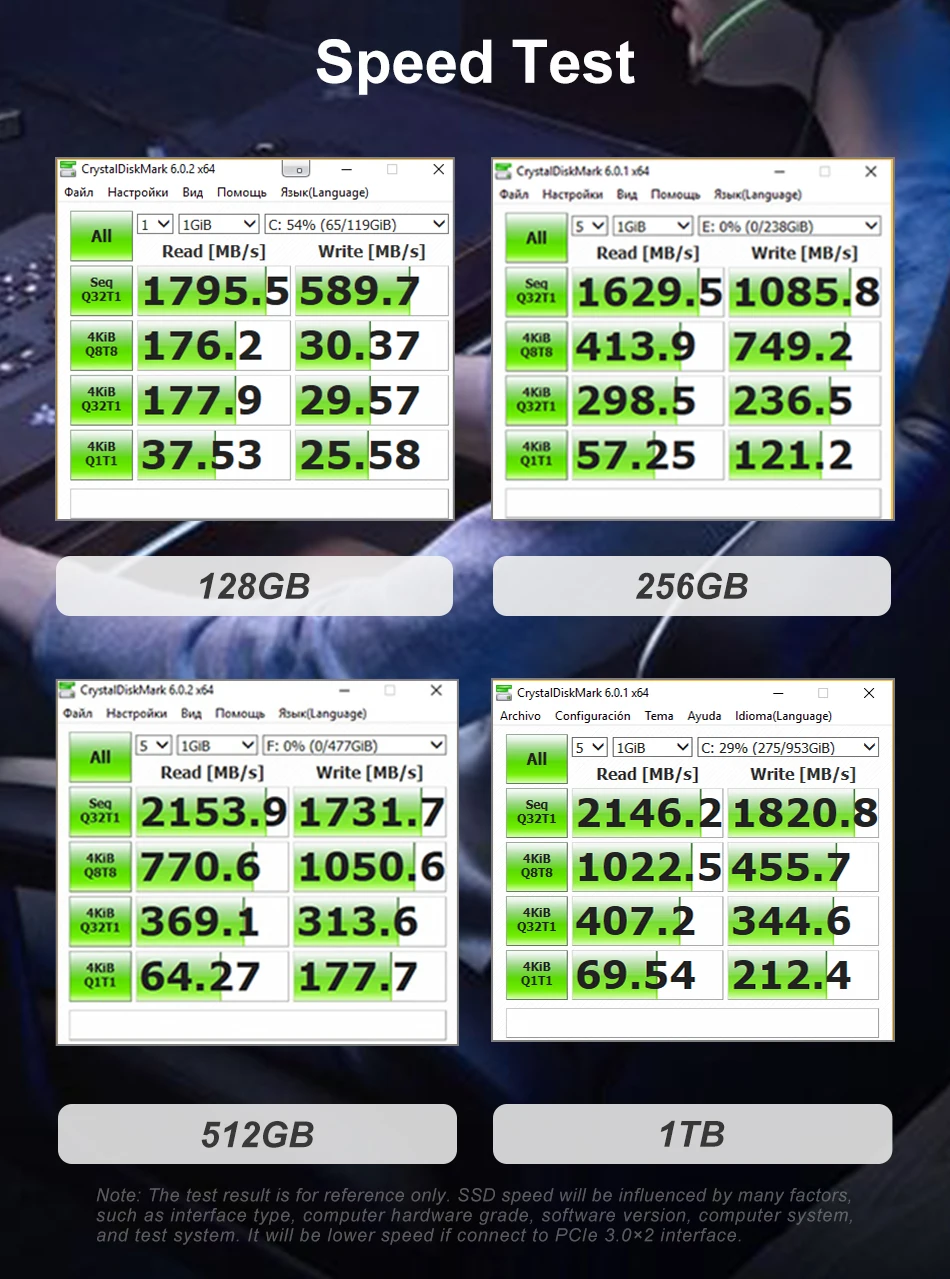
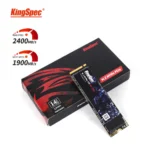
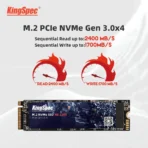
Max Sequential Read: 2400
Max Sequential Write: 1900
Nand Flash Type: TLC
Origin: Mainland China
Package: Yes
RGB: No
Size: PCI-E
Style: SSD
Transport Protocol: NVME
Type: Internal

Descriptions:
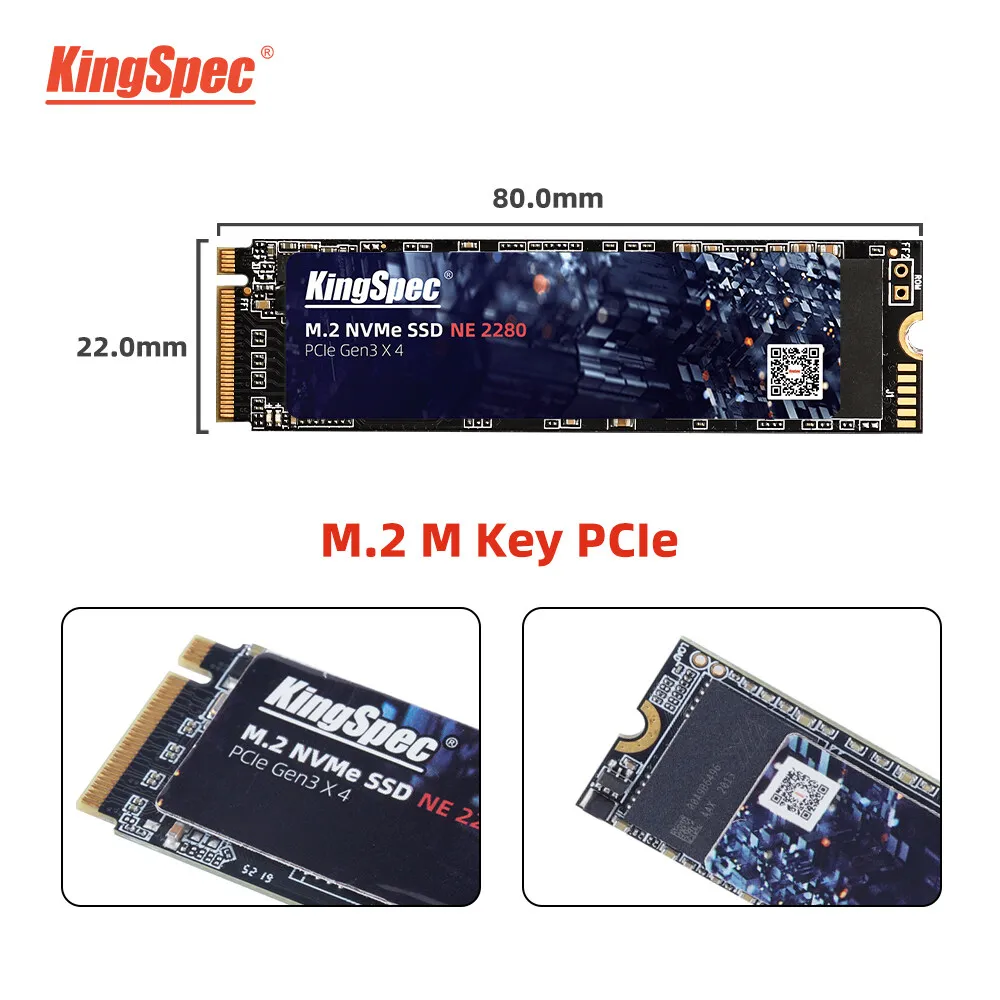
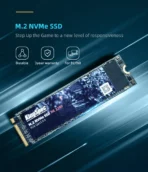
>>Product name: NVMe M2 SSD 2280
>>Interface protocol: PCIe NVME Gen 3.0 x 4 Lanes (M-Key)
>>Controller: SM2263XT/RT5765DL/MAP1002
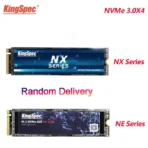
>>Nand Flash Type: TLC/QLC send in Random
>>Physical dimension: 80(L)X22(W)X3(H)mm
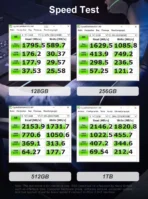
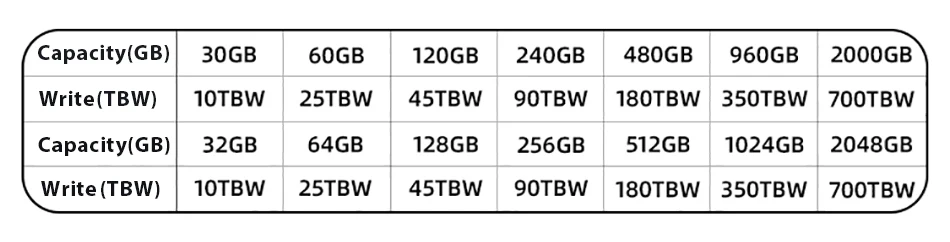
>>SupportCapacity: 128GB 256GB 512GB 1TB 2TB
>>Max Sequential Read: 2000Mbps
>>Max Sequential Write: 1600Mbps
>>Input voltage: 3.3V?5%
>>Storage temperature: 0~70?
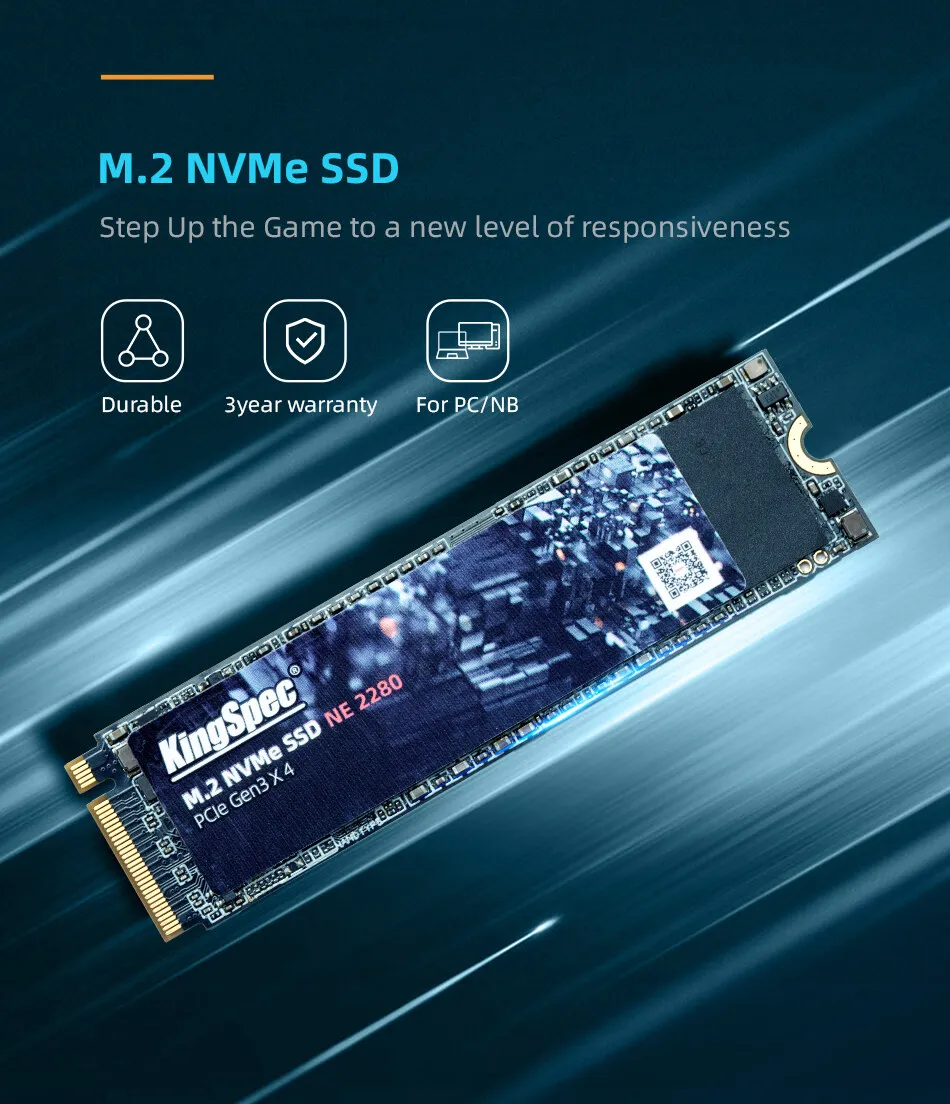
>>Warranty/support: 3-year warranty with free technical support
>>TBW of Different capacity: 300TBW [512GB] 600TBW [1TB] 1200TBW [2TB]
Product features:

Product features:
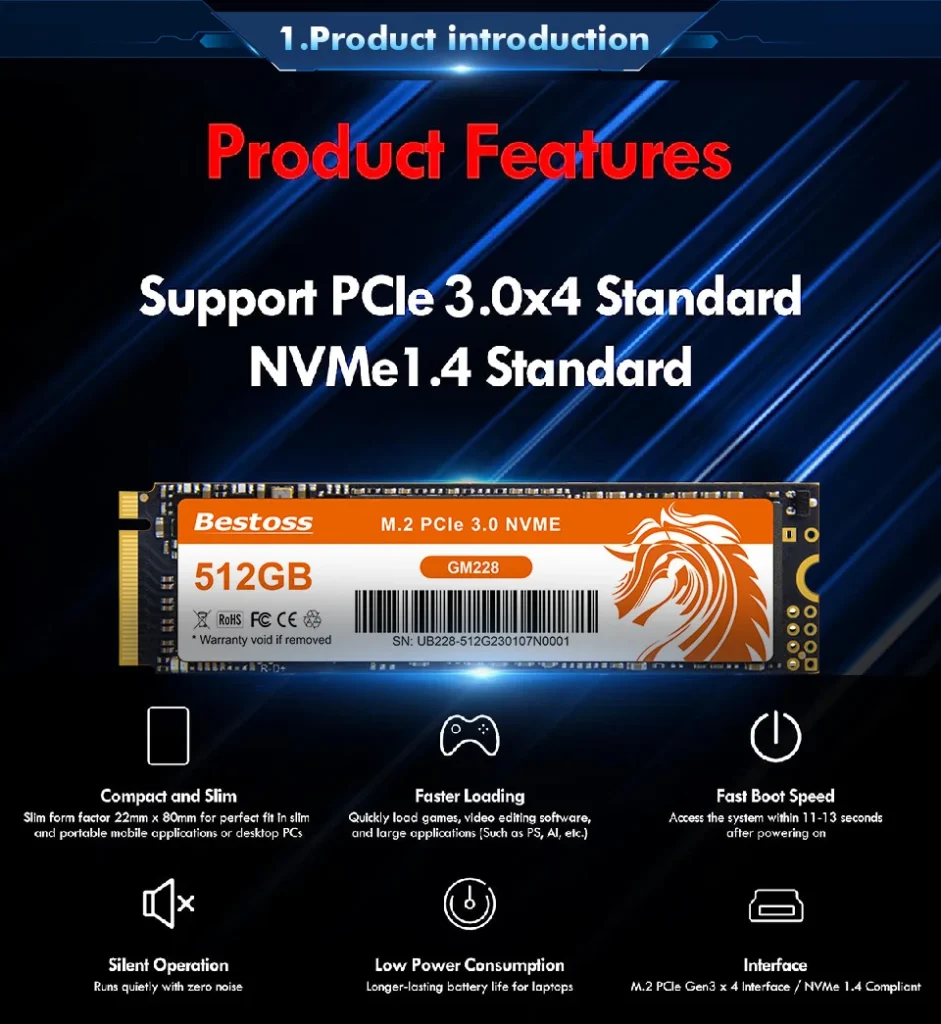
1.High Efficiency Performance
Sequential read/write speeds can reach up to 2000/1600MB/s. Loading time is greatly reduced, making more efficient in booting, entering games and reading files.
2. M.2 NVMe PCIe 4.0 SSD 2280 offers a variety of capacities for you to choose (128GB ,256GB, 512GB, 1TB, ), which to meet your need for different scenarios.
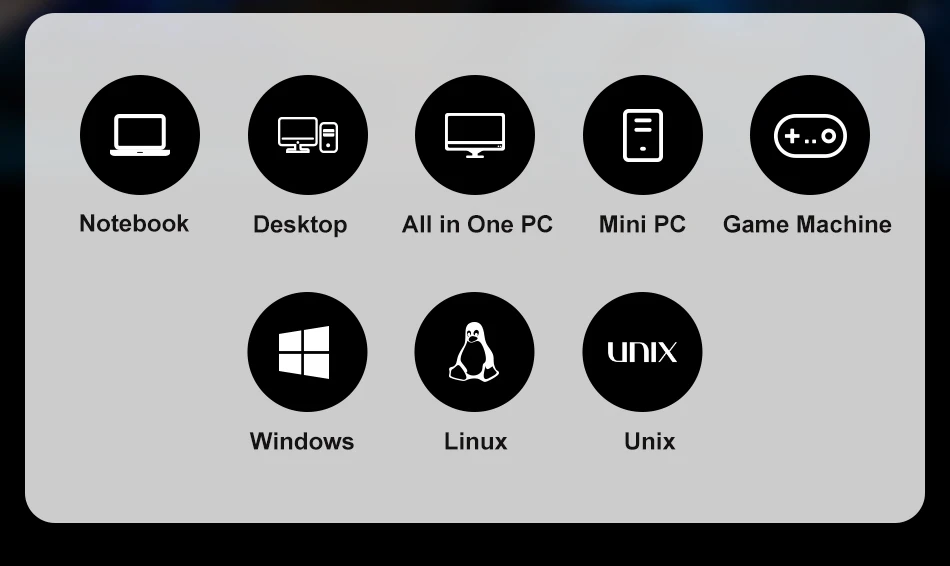
3. NVMe M.2 SSD 2280 is suitable for portable devices such as desktop, all-in-one, and notebebook devices, compatible with Windows, Mac OS, Linux operating systems.

Package include:
>>1 X M.2 NVMe ssd
>>1 X Package box
Note:available capacity ? identification capacity
The factory capacity of storage products is usually calculated according to 1MB=1000KB, 1GB=1000MB, and computer operating systems use binary algorithms, that is, 1MB=1024KB, 1GB=1024MB, so the usable capacity of storage products is about 90% of the identified capacity,normal phenomenon
(8G?7.3G, 16G?14.5G, 32G?28.6G, 64?58G, 128G?118G, 256G?230.4G, 512G?476G, 1TB?930G, 2TB?1870G)




FAQ:
1.Why the capacity displayed from PC is smaller than original capacity?
Actual usable space may be less than the total storage capacity listed due to Deci mal measurement used to represent usable capacity of the SSD.
Actual capacity calculation: Total storage x 0.93 Factory default setting :1GB=1000MB=1000000KB=1000000000B Computer system setting:1GB=1024MB=1048576KB=1073741824B Example: 360GB SSD
Factory capacity: 360x1000x1000x1000=360000000000B Transfer to PC displayed actual capacity: 360000000000B/1024/1024/1024=335G Fast calculation: 360Gx0.93=335G
2.How to format SSD and achieve 4K alignment?
Win7 or higher version OS is recommended due to 'Disk Management Formatting" function is built in the systems. We recommend NTDS disk partition format and D ISKGENIUS tool to make drive partition.
PS: Please make sure your PC system runs under AHCI mode.Otherwise,SSD write /read speed performance and response time witl be affected. Use as SSD Benchm ark to check if SSD has complied with 4K Alignment and already been under AHCI model.
3. Why can't we find SSD hard disk and read/write data?
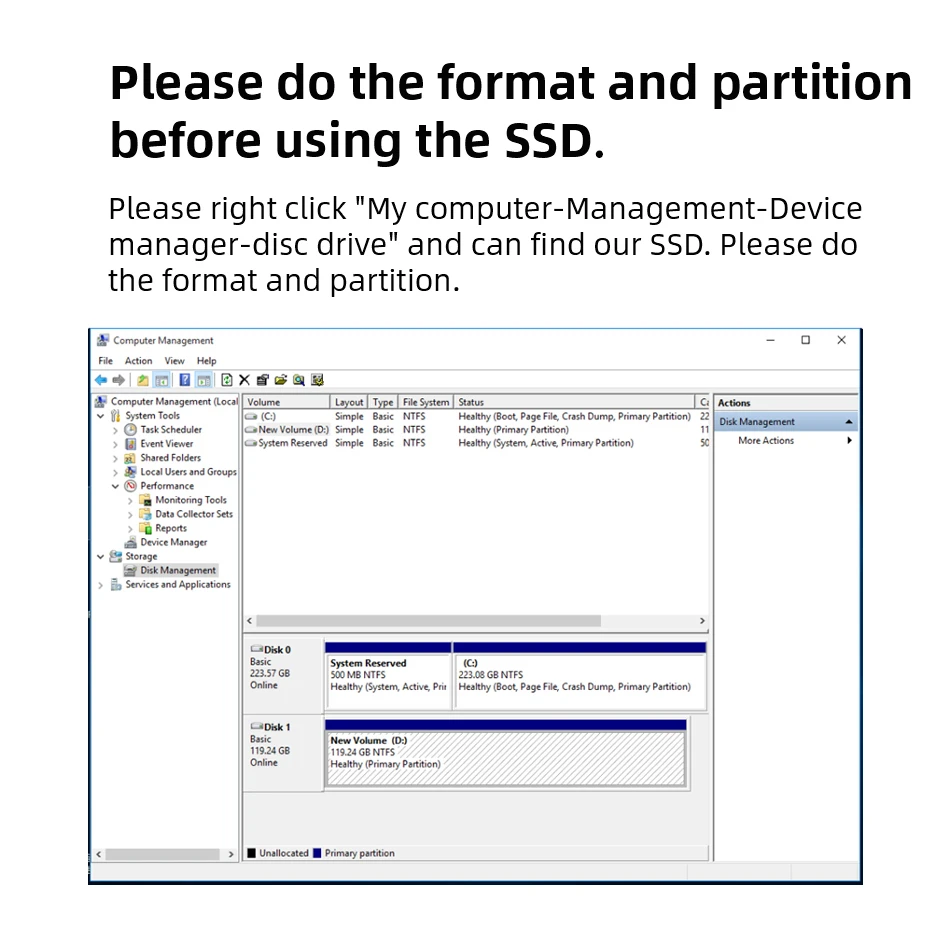
The newly bought SSD generally need to be formatted in Disk Management befor e using.lt is recommended to format in the windows operating system and use NT FS format.
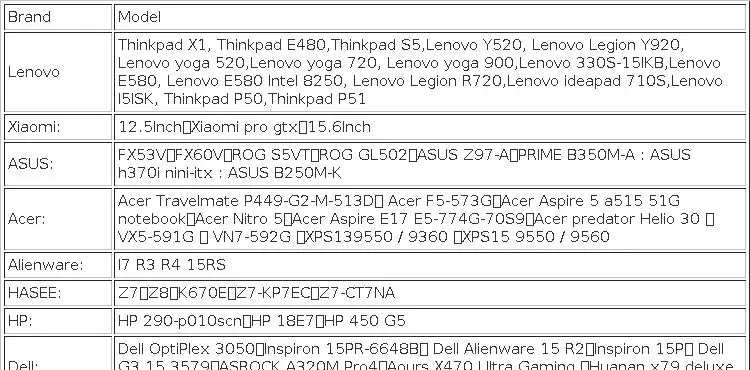
4.About the compatibility problem?
This series of SSD use NVMe drivers, PCIe channels. Older computers may do not support this SSD, and computer devices with Windows 7 and PE systems will not recognize the products. Therefore, we recommend that you install the original Windows 10 system (please contact customer service for more information).
Before you use:
For new SSD, please finish disk initialization according to the following steps.
1. Open Start. Search for "Create and format hard disk partitions" and click the top result to open the Disk Management console.
2. Right click "Computer" – "Manage" – "Disk Management".
Find your unallocated disk, right click "Unallocated", and choose "New Simple Volume Wizard". So then your SSD can be detected.







Reviews
There are no reviews yet.